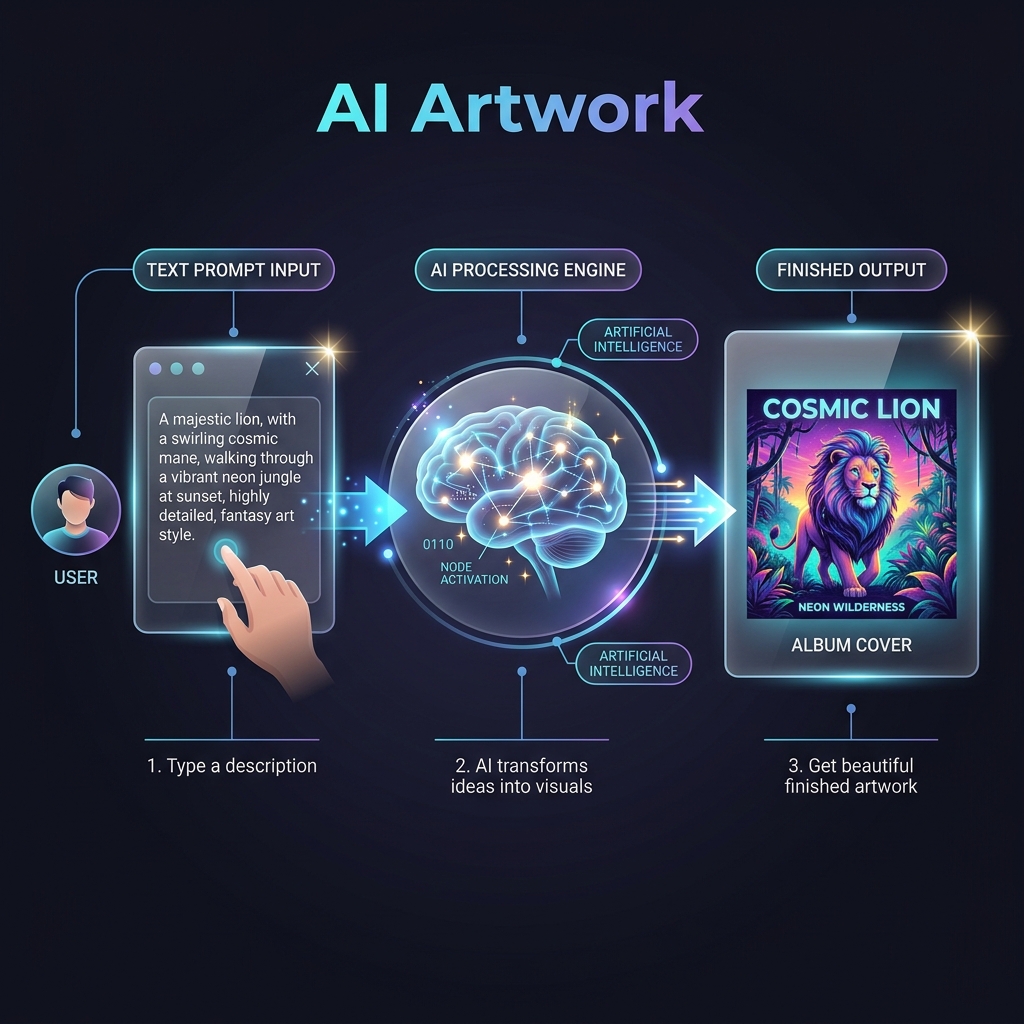
Generating Artwork
This section provides an overview of how to generate artwork using the platform.
Steps to Generate Artwork
- Open the Artwork Generator tool.
- Enter your desired prompt or keywords.
- Click the Generate Artwork button to create your artwork.
Features
- AI-based artwork generation.
- History tracking for previously generated artworks.
Pro Tip: Use detailed prompts for better results.
Audio Mixing
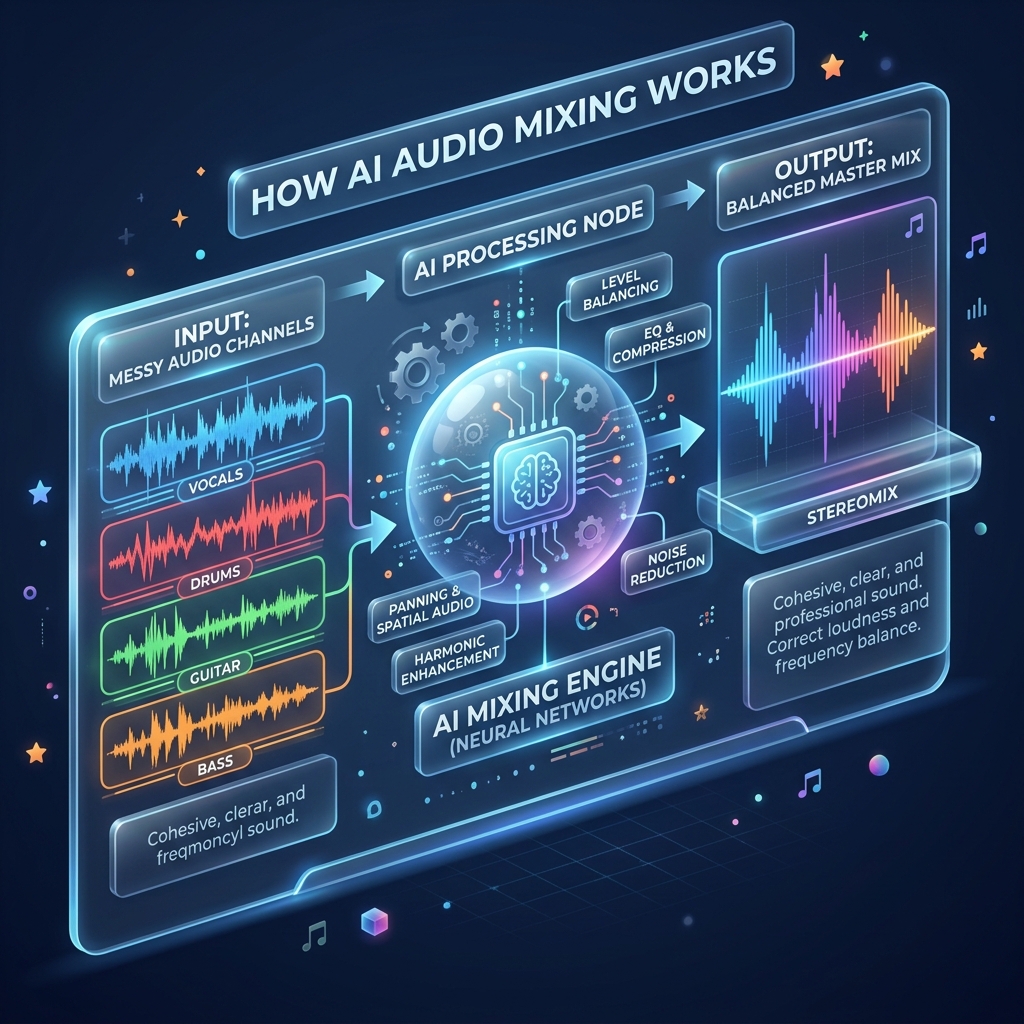
Audio mixing involves combining multiple audio tracks into a single cohesive output. This includes:
- Balancing volume levels.
- Adjusting panning.
- Applying effects such as EQ and compression.
Steps to Mix Audio
- Upload up to three audio files.
- Click "Mix" to combine the tracks.
- Preview the mixed audio and save the final version.
Note: Use headphones for precise mixing adjustments.
Audio Mastering
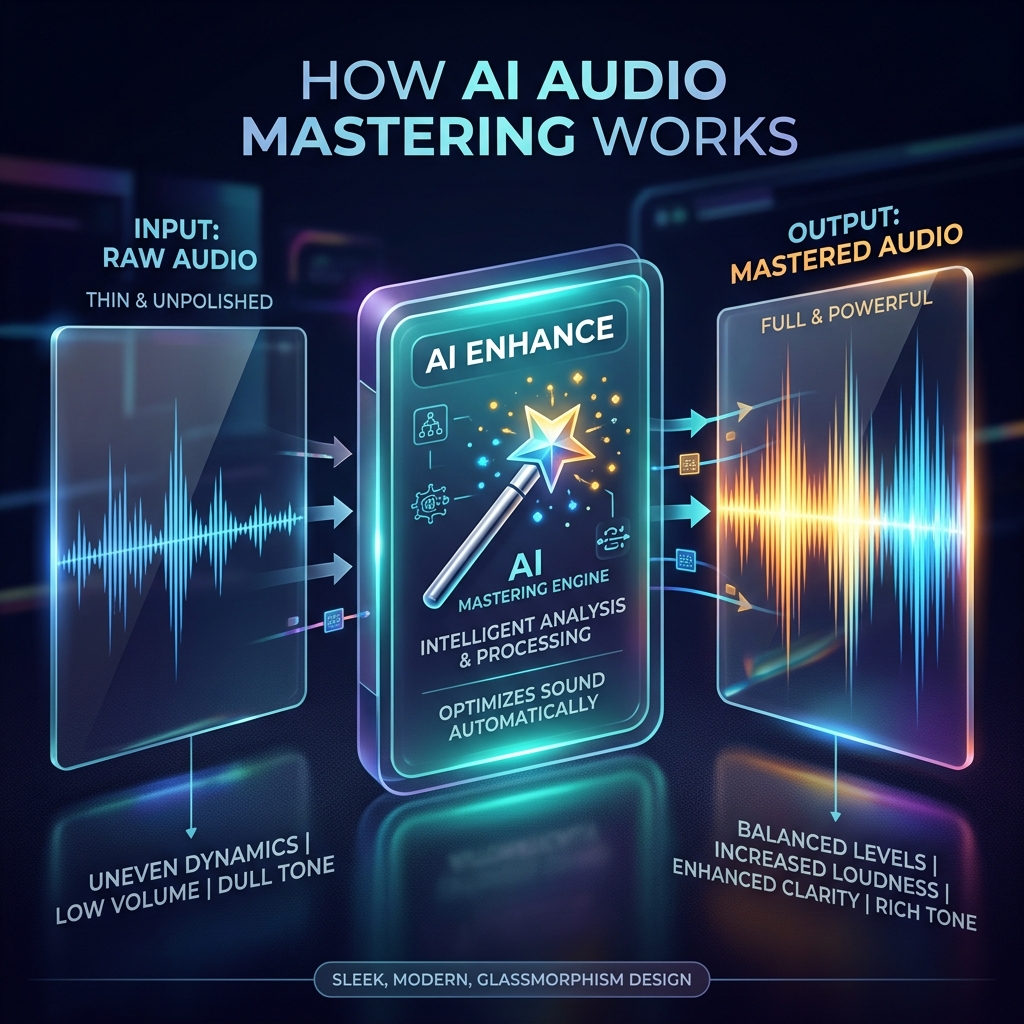
Audio mastering is the final step in music production. It involves:
- Enhancing the final mix for distribution by optimizing sound quality and ensuring consistency across playback systems.
- Optimizing the audio for various playback systems.
- Adjusting loudness, dynamics, and adding final touches for a polished sound.
Steps to Master Audio
- Upload your audio file.
- Select a preset from the available mastering options.
- Click "Master Audio" to apply the preset.
- Receive the mastered output, ready for distribution.
Tip: Compare your mastered track with industry standards for quality assurance.